
The Problem
After events, you return with hundreds of cards. Manually typing each one takes hours and leads to errors.
Upload a card photo and our AI extracts name, email, phone, company, and more with 99% accuracy.
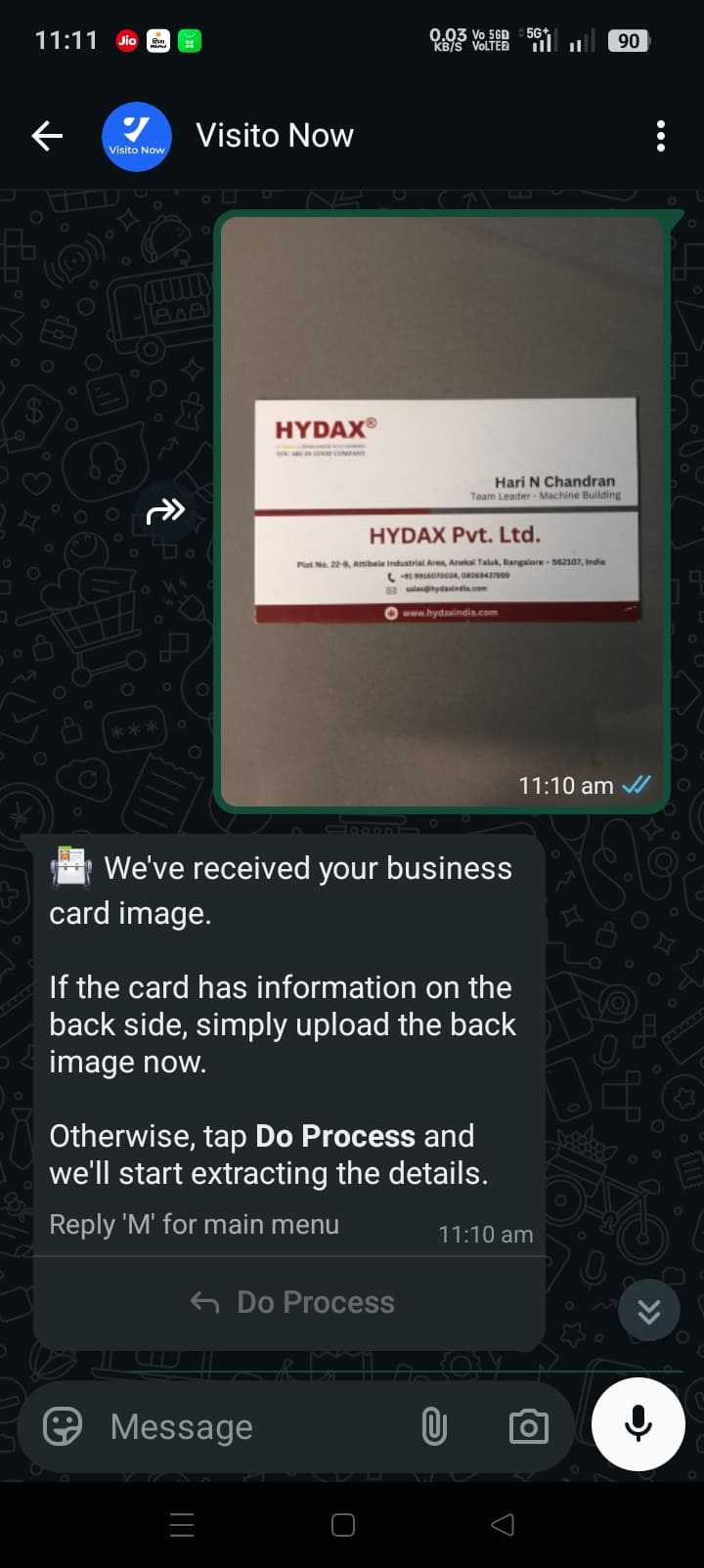
After events, you return with hundreds of cards. Manually typing each one takes hours and leads to errors.
Send a photo via WhatsApp or upload it — AI extracts clean, structured contact data in under 3 seconds.
Features
AI reads cards in any layout, language, or design with near-perfect precision.
Extract name, company, email, phone, website, address, and designation.
Scan both sides of a card for complete contact capture.
Automatically detect and merge duplicate contacts.
Export all scanned contacts to spreadsheets in one click.
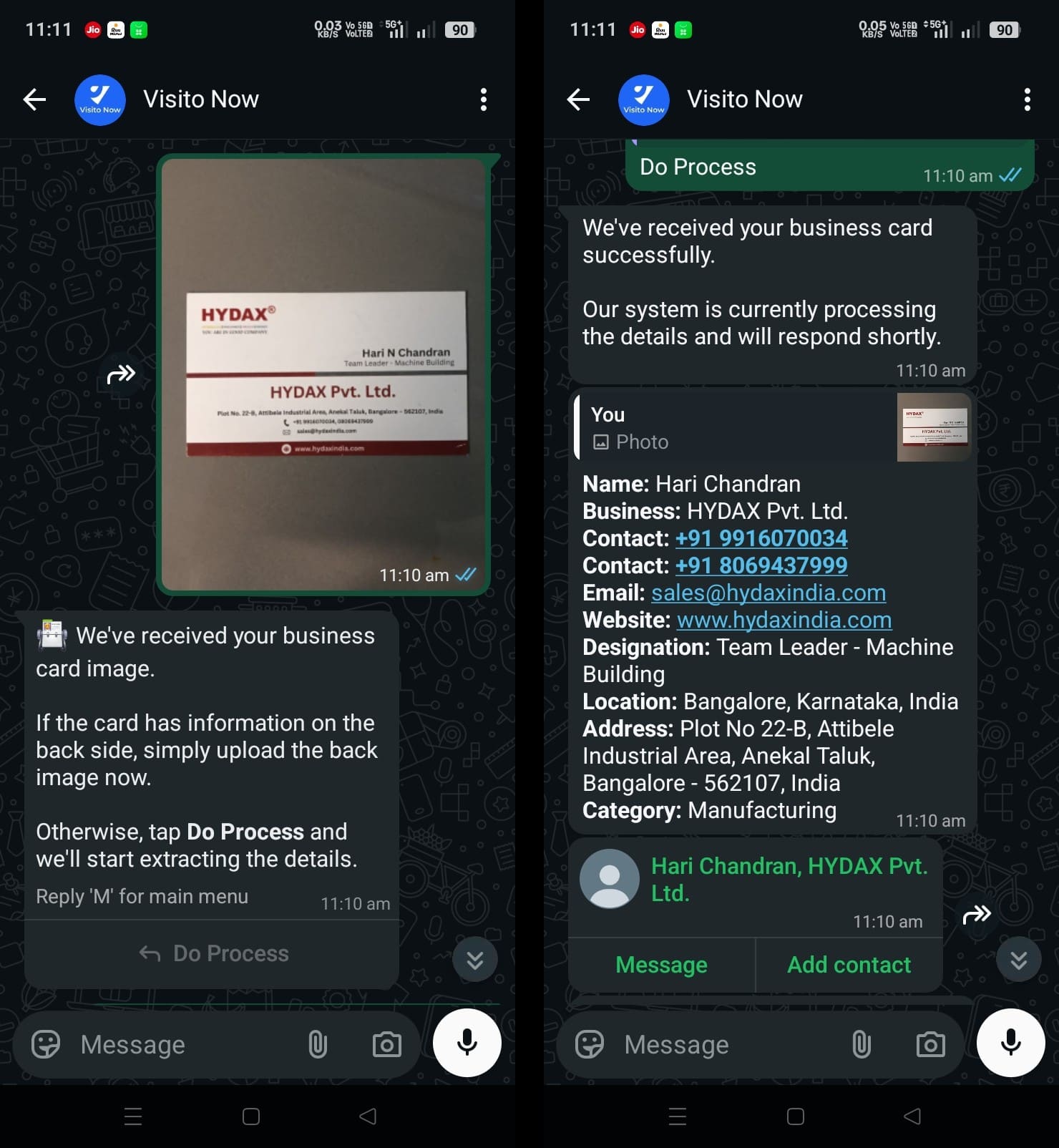
Scan cards directly via WhatsApp chat — no app needed.
Just take a photo of any business card using your phone or our app. Our advanced AI recognizes text in any orientation and lighting condition instantly.
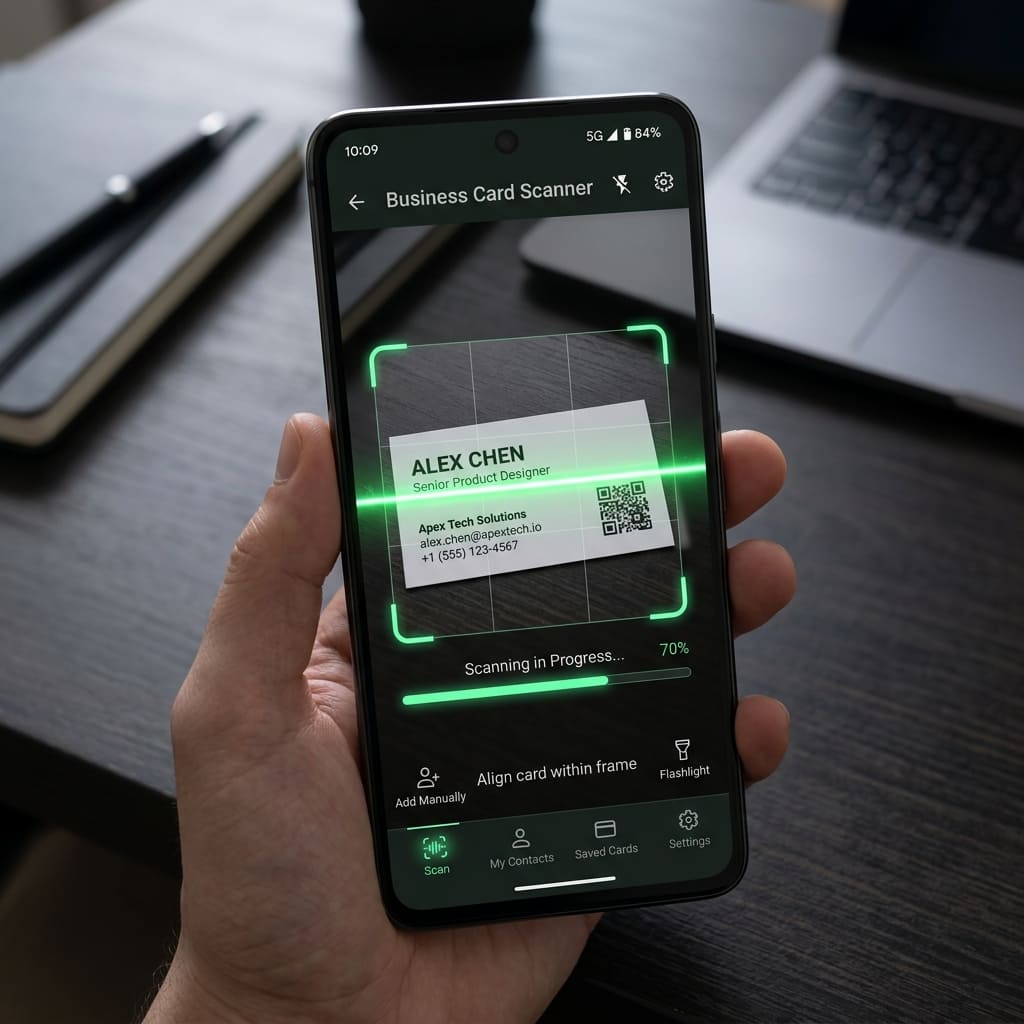
Watch as the scattered information from the card is perfectly organized into Name, Designation, Company, Phone, Email, and Address within seconds.
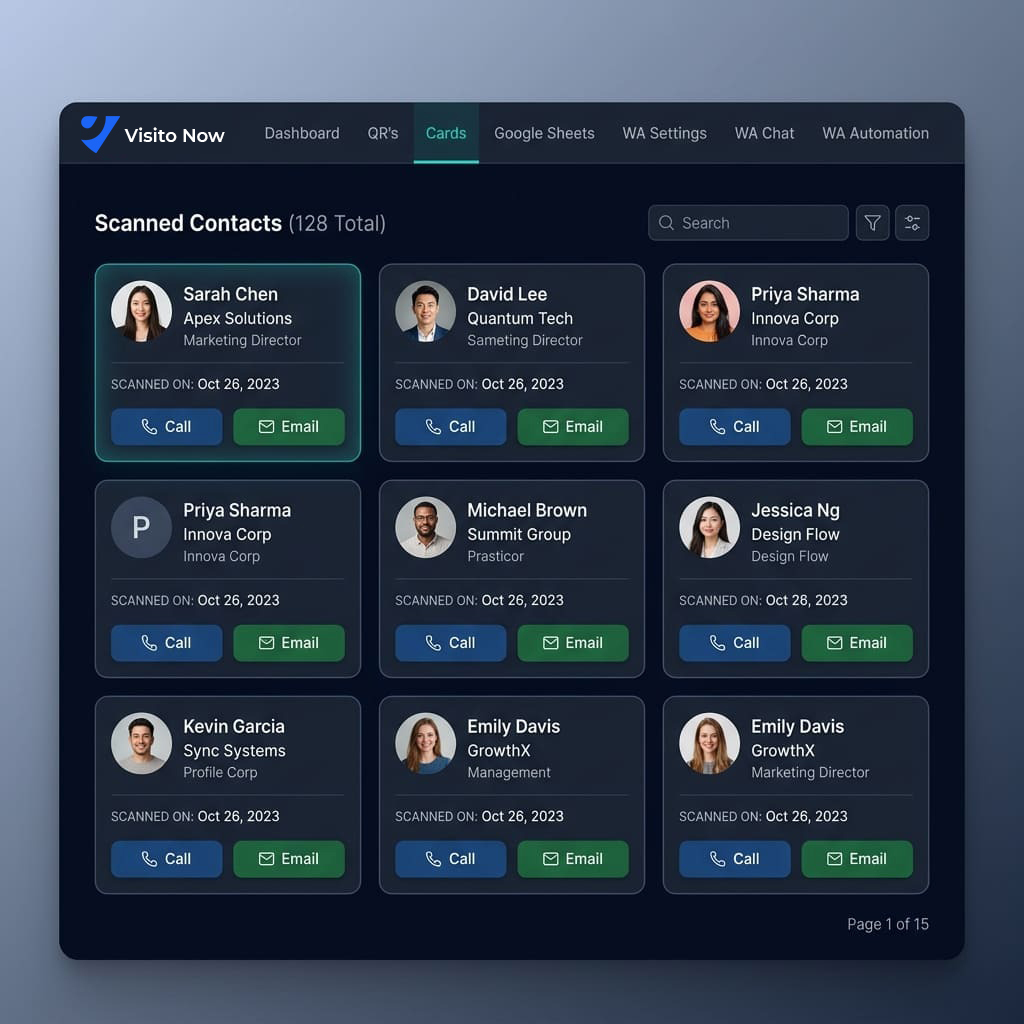
Manage all your scanned contacts in one place. Export to Excel, sync to Google Sheets, or send automated follow-ups with a single click.
Whether you're an individual, a small team, or a growing enterprise, we have a plan that fits.
Complete Automation Package
Ideal for Startups & Small Teams
Ideal for Mid & Large Business
Use Cases
FAQ
Upload or send a business card image and the OCR engine reads the card, identifies fields, and returns structured contact data.
The scanner can extract name, company, email, phone, website, address, designation, and related business details.
Yes. You can review and update scanned information before saving it as a contact.
Our AI is trained to recognize multiple languages and complex card designs with 99% accuracy.
Upload a card photo and our AI extracts name, email, phone, company, and more with 99% accuracy.